01
Lightning Fast Creation
Create a beautiful photo collage in seconds with our intuitive drag-and-drop interface. No learning curve.
Design Stunning Collages in Seconds
For social media posts, blog images, or family albums, our online photo collage tool breathes new life into your pictures. Create your free photo collage online with no downloads required. Start your next photo collage project instantly! The example images shown here were generated with AI.


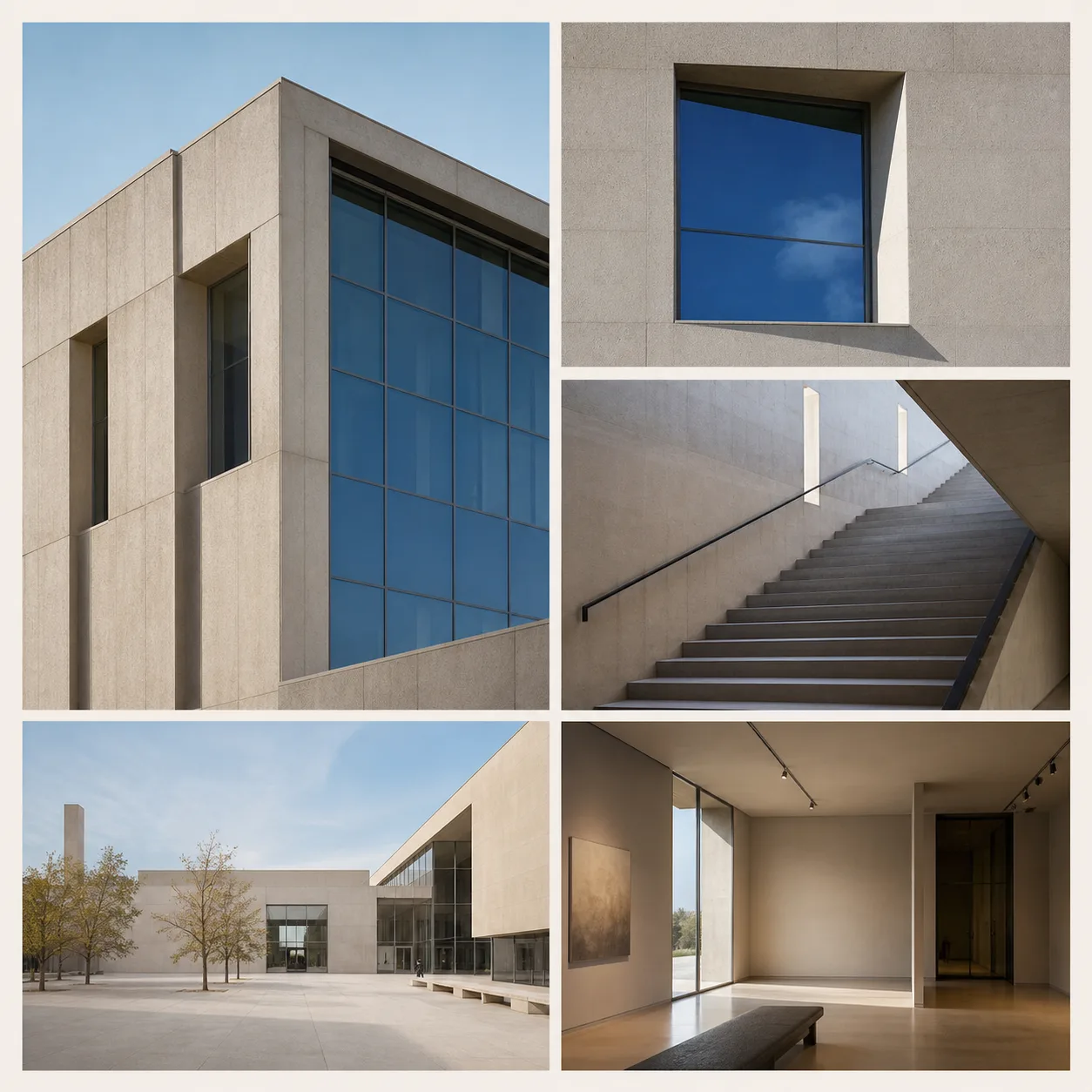
We are dedicated to delivering the best online photo collage experience. Powerful, intuitive, and completely free, our tool is the perfect choice for creating your personalized photo collage.
Create a beautiful photo collage in seconds with our intuitive drag-and-drop interface. No learning curve.
Choose ready-made layouts for 2 to 9 photos, or build a custom grid with up to 8×8 cells.
Personalize every detail of your photo collage with our powerful editing tools. Make your picture collage truly yours.
Download your photo collage in high resolution, perfect for printing or sharing on social media.
Download a JPG with quality controls or a lossless PNG directly to your device.
All our core photo collage features are completely free, with no hidden costs. Create with freedom.
Learn how our free online photo collage tool streamlines the process, from uploading photos to exporting your high-definition picture collage. No professional skills are needed to create a beautiful photo collage.
Select multiple images from your device or drop them into the chosen frames.
We offer a wide variety of online photo collage templates for different numbers of photos and styles.
Customize the layout, background, spacing, and add text to create a truly unique photo collage.
Choose JPG or PNG and save the completed collage to your device.
AI-generated composition ideas, not one-click editor templates. Open the editor to create your own grid or arrangement.








These images were generated with AI for visual inspiration. They are not user submissions or verified editor exports.
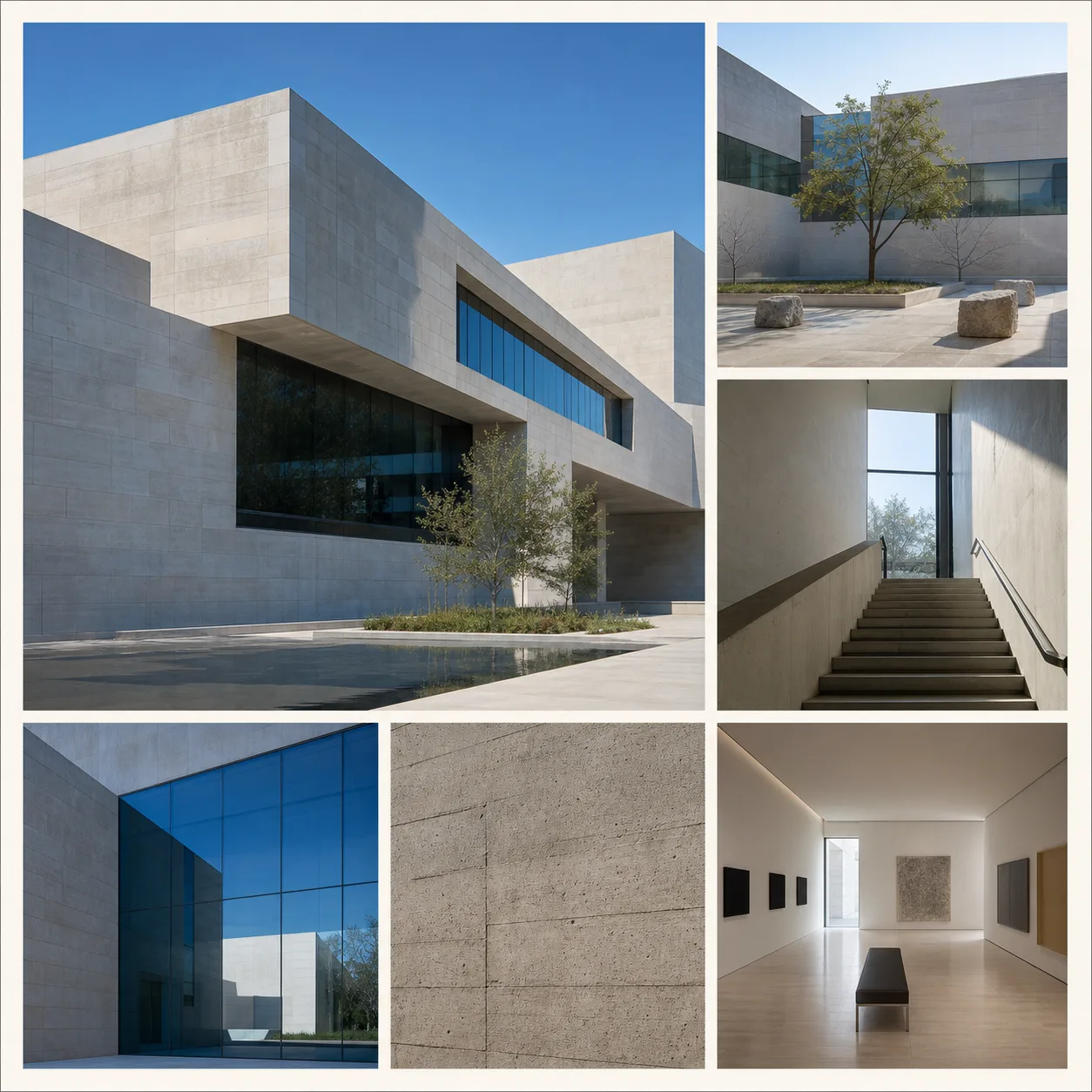


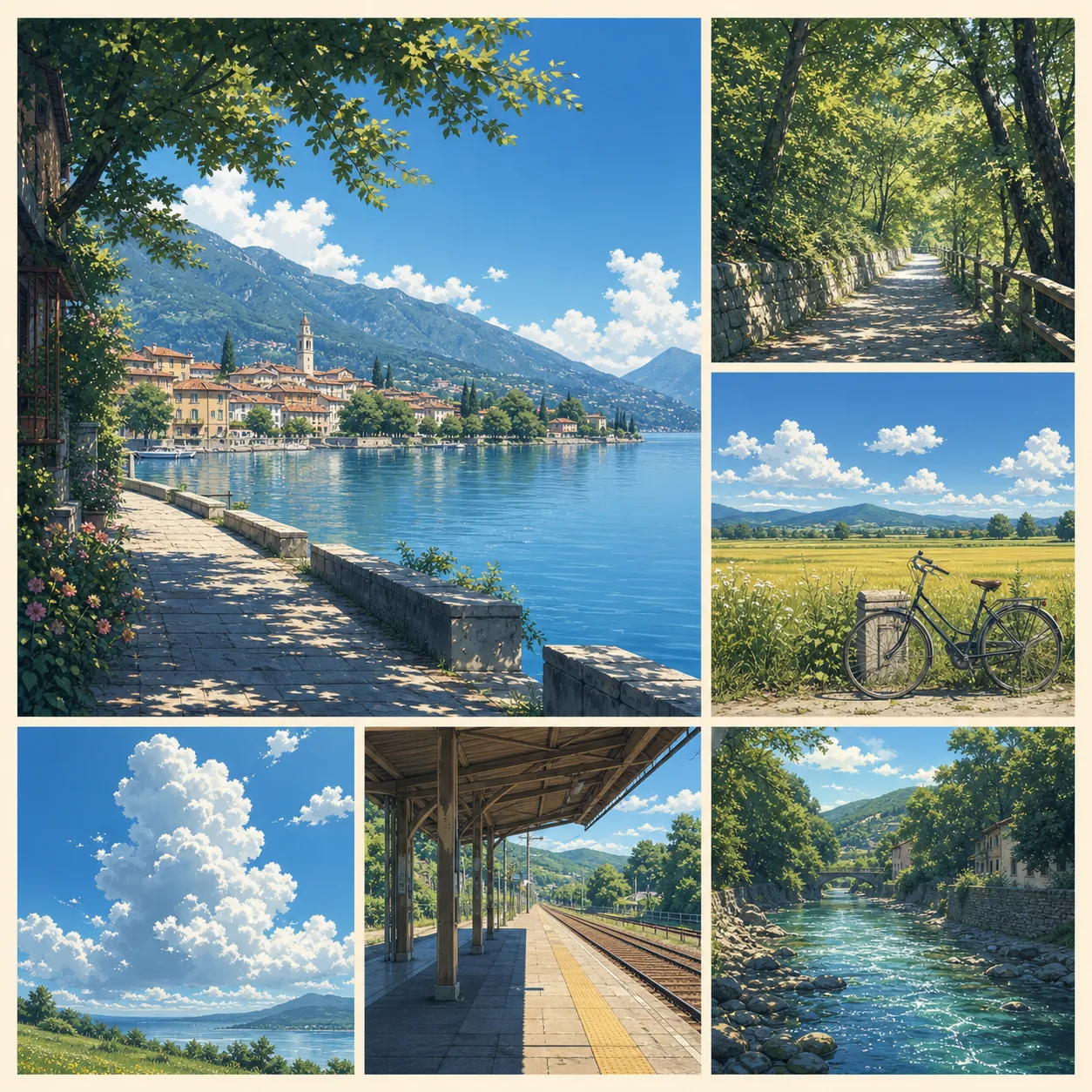

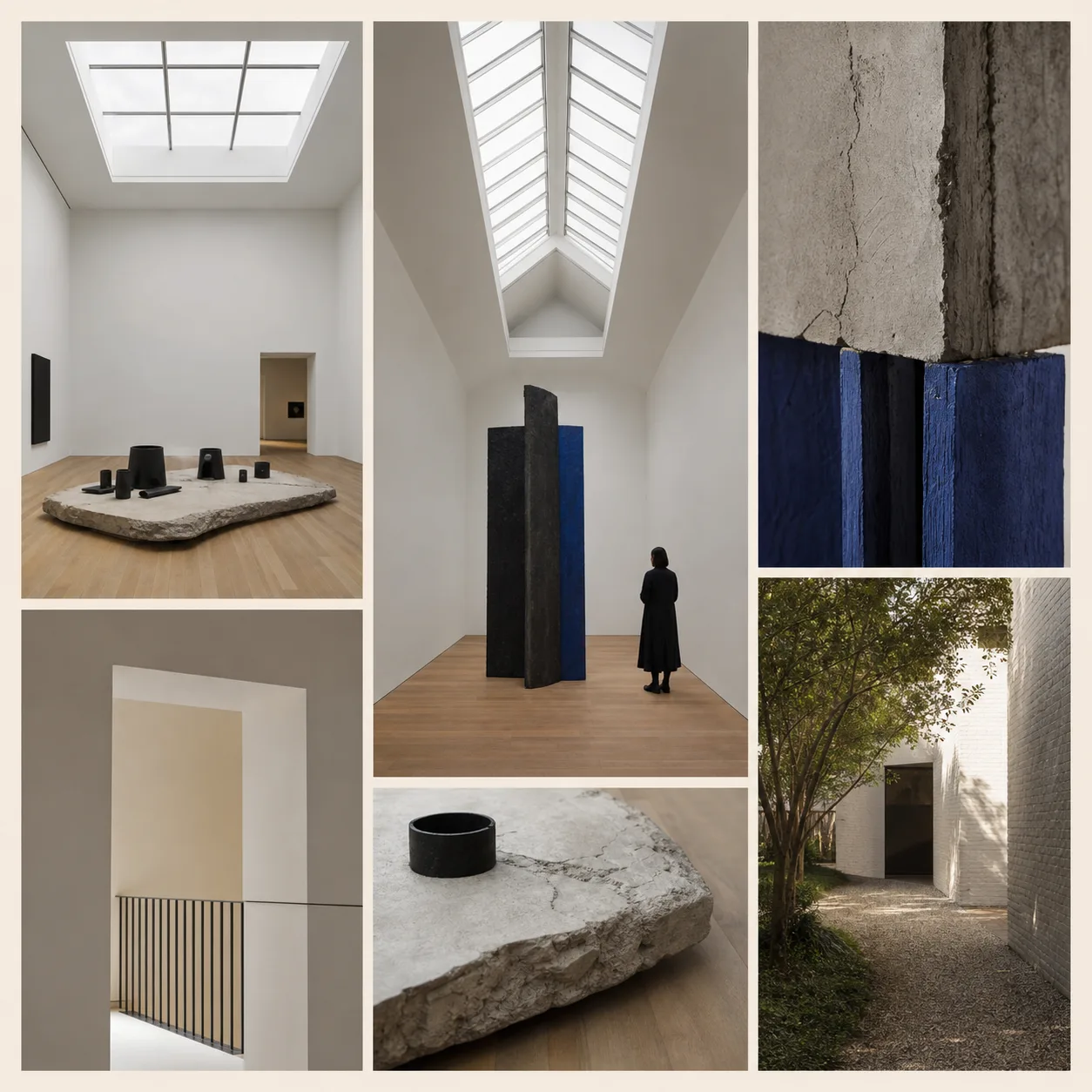
Add your photos to a ready-made layout or custom grid, crop and arrange each image, then download your collage as JPG or PNG—no sign-up or software installation.
No credit card required · No sign-up needed
Find answers to frequently asked questions about our free online photo collage tool. If you need more help with your photo collage, contact us.
Yes, all core features of our photo collage maker are 100% free. You can create and download unlimited photo collages without any hidden charges.
No account is needed! You can start creating your photo collage right away. We've made our photo collage maker accessible to everyone, hassle-free.
Our online photo collage tool is fully responsive and works on all modern browsers, including desktops, tablets, and smartphones.
You can export your photo collage in high-quality JPG or PNG formats, ensuring your picture collage looks sharp for printing or online sharing.
Ready-made collage layouts are organized for 2 to 9 photos. A custom grid can contain up to 8×8 cells, and stitching accepts up to 20 photos.
The editor reads selected files and builds the collage in your browser using browser file and canvas APIs. Your photos are not sent to a separate collage-processing service.
We offer detailed guides to help you. If you still encounter problems with your photo collage, please contact our support team at support@photocollagepro.com.